
Metalix cncKad and AutoNest: Sheet Metal CAM Programming Guide
Metalix cncKad and AutoNest: Sheet Metal CAM Programming Guide
Metalix cnckad and autonest: quick summary
Metalix cncKad and AutoNest: part programming, automatic nesting, tool and cutting technology setup, and NC output for laser and punch machines.
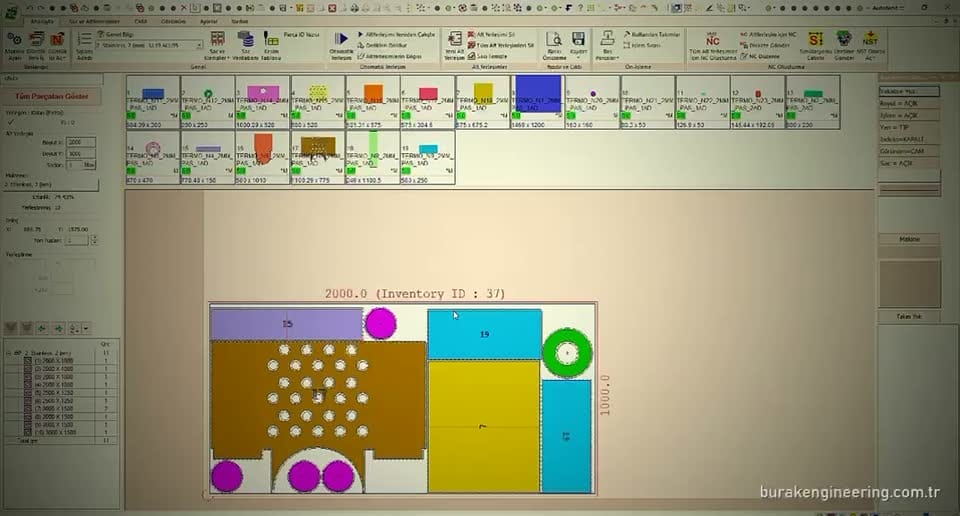
Metalix cncKad is a professional CAM software package used in sheet metal production for programming CNC laser cutting and press brake bending. Preferred by thousands of sheet metal manufacturers worldwide, Metalix cncKad lets you manage the entire production process, from nesting optimization to NC code generation, on a single platform. In this guide we take a detailed look at Metalix cncKad and the AutoNest module.
What Is Metalix cncKad?
This software is a comprehensive CAD/CAM solution developed by the Israel-based company Metalix. It creates programs for laser cutting, CNC punching, plasma cutting and press brake bending machines. The software imports DXF and DWG formats directly, automating geometry editing, nesting and NC code generation.
cncKad’s greatest strength is its extensive post-processor library supporting CNC machines of different brands and models. It works compatibly with TRUMPF, Amada, Bystronic, Durma and many Turkish-built machines. Post-processor settings can be customised to match the machine parameters.
The software has a modular structure. The core CAD module, the laser cutting module, the punching module, the press brake module and the AutoNest module can each be licensed separately. This lets your business optimize costs by purchasing only the modules it actually needs.
AutoNest: The Metalix cncKad Nesting Engine
The AutoNest module within Metalix cncKad uses a true shape nesting algorithm to place parts on the sheet in the most efficient way. By nesting on the basis of the actual part geometry instead of rectangular nesting, it raises material utilization to 85-92%.
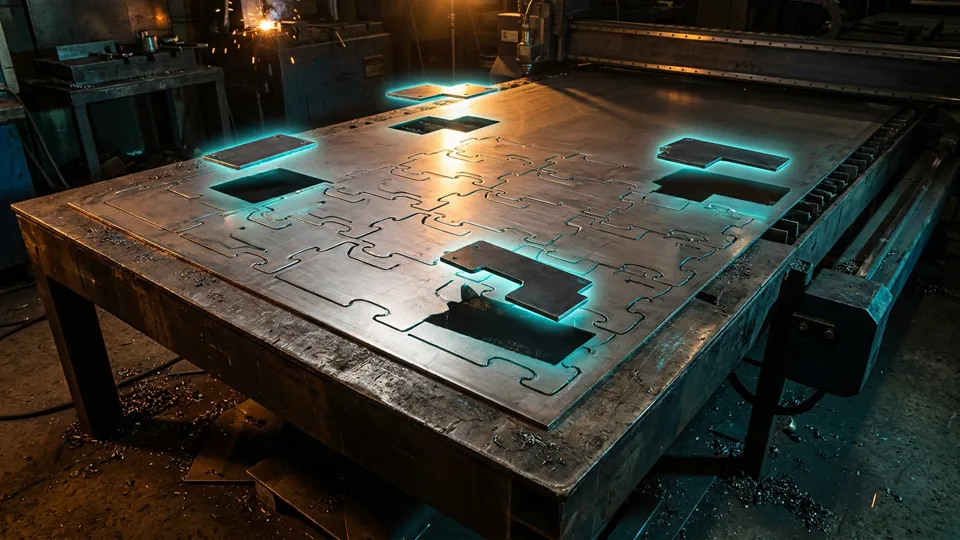
AutoNest can rotate, mirror and nest parts inside one another. It minimizes the scrap rate by placing small parts inside circular parts. With the common cut feature, the shared edges of adjacent parts are cut in a single laser pass, saving both material and time.
Once the nesting plan has been created, AutoNest automatically generates a cost report. Material cost, cutting time, scrap rate and cost per part are shown in detail in this report. In our CNC laser cutting optimization article we explain nesting strategies in more detail.
Laser Cutting Programming Workflow
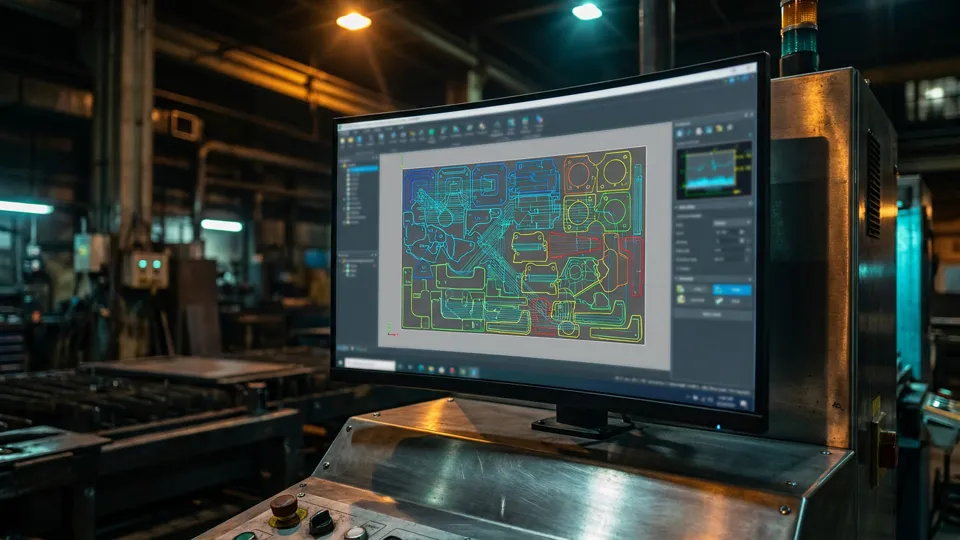
Laser cutting programming with the software consists of five basic steps. The first step is importing the DXF or DWG file. During import a geometry check is performed, and open contours, overlapping lines and micro gaps are detected automatically.
The second step is geometry editing. The cutting direction, entry point and lead-in/lead-out parameters are set. Choosing an entry point close to the material edge shortens the cutting time. Linear and circular lead-in types are available.
The third step is technology assignment. Cutting speed, laser power and gas pressure parameters are assigned automatically according to the material type and thickness. The fourth step is nesting; the fifth step is NC code generation and transfer to the machine.
Metalix cncKad Press Brake Programming Integration
The Metalix cncKad press brake module creates the bending program automatically from the 3D part model. Die selection, bending sequence, back gauge positions and tonnage calculation are all handled automatically by the software. Collision checking in 3D simulation ensures error-free production.
The press brake module offers a tool library definition feature. You can register all the punches and dies available in your workshop, together with their dimensions, angles and tonnage ratings. The software then only creates programs that can actually be produced with your existing tooling.
In our CNC press brake programming guide we covered bending sequencing and tonnage calculation in detail. The software automates these processes, cutting programming time by 60-70%.
Nesting Reporting and Cost Calculation
The software generates comprehensive reports for every nesting plan. Material utilization rate, total cutting time, scrap rate, number of sheets used and cost per part are all included in these reports. Reports can be exported in PDF or Excel format.
The cost calculation module computes a realistic part cost by including the machine hourly rate, material unit price, labour cost and overheads. This data greatly simplifies quotation preparation and helps you price competitively.
With the job order management feature you can combine orders from different customers in a single nesting plan, minimizing setup time and scrap rate. The data can be exported to ERP systems for production tracking and delivery planning.
DXF/DWG Import and NC Code Generation
The program reads DXF and DWG formats directly. During import it runs an automatic geometry check and detects faulty drawings. Open contours can be closed automatically, overlapping lines can be cleaned up, and out-of-tolerance geometries are reported.
NC code is generated automatically according to the selected machine and post-processor. Output can be produced as G-code, ISO code or machine-builder-specific formats. With the post-processor editor you can customise existing settings or define a new post-processor.
The generated NC code can be transferred directly to the machine via USB, a network connection or a DNC system. You can find the list of supported machines on the official Metalix website.
Metalix cncKad Pricing & Licensing
cncKad pricing is quoted per project, depending on modules (cutting, punching, AutoNest automatic nesting), machine drivers and maintenance. There is no public price list; quotes come from local distributors. Choosing the right module mix significantly reduces licence cost — contact us to have the DXF and BOM that feed cncKad prepared automatically in SolidWorks.
Conclusion: Metalix cncKad Training by Burak Engineering
Metalix cncKad and AutoNest are among the most effective ways to increase efficiency and reduce costs in sheet metal production. Used correctly, material scrap falls by 8-15%, programming time is cut by 60-70% and production errors are reduced to a minimum.
At Burak Engineering our focus is the data that feeds cncKad: we automate flat-pattern DXF, drawing and BOM output at the source with SolidWorks macros (VBA / C# API) and parametric model systems, so every part reaches Metalix with standard layers, correct bend allowances and complete part data.
Explore our SolidWorks macro and parametric design service or reach us via our contact page for a free preliminary analysis of your repetitive design-to-DXF workflow.
Metalix cnckad and autonest: checklist
Use this checklist to review the metalix cnckad and autonest steps covered on this page:
- What Is Metalix cncKad?
- AutoNest: The Metalix cncKad Nesting Engine
- Laser Cutting Programming Workflow
- Metalix cncKad Press Brake Programming Integration
- Nesting Reporting and Cost Calculation
- DXF/DWG Import and NC Code Generation
- Metalix cncKad Pricing & Licensing
- Conclusion: Metalix cncKad Training by Burak Engineering
- Frequently Asked Questions
If you want the DXF and BOM that feed cncKad generated automatically from SolidWorks, get in touch.
FAQ
Frequently Asked Questions
Which machines and machine tool brands does Metalix cncKad support?
Metalix cncKad creates programs for laser cutting, CNC punching, plasma cutting and press brake bending machines. Thanks to its extensive post-processor library, it works with TRUMPF, Amada, Bystronic, Durma and machines from many Turkish manufacturers. Post-processor settings can be customised to the machine parameters; with the post-processor editor, existing settings can be edited or a new post-processor can be defined. The list of supported machines is available on the official Metalix website.
How much does AutoNest increase material utilisation?
Using a true shape nesting algorithm, AutoNest places parts on the sheet according to their actual geometry, raising material utilisation to 85-92%. Its ability to rotate, mirror and nest parts inside one another reduces the scrap rate to a minimum. The common cut feature cuts the shared edges of adjacent parts in a single laser pass, saving both material and time. With correct use, material scrap is reduced by 8-15%.
How is a press brake bending program created with Metalix cncKad?
The Metalix cncKad press brake module automatically creates the bending program from the 3D part model. Die selection, bending sequence, backgauge positions and tonnage calculation are handled by the software; collision checking is performed in 3D simulation. The punches and dies available in your shop are registered in the tool library with their dimensions, angles and tonnage data, and the software only generates programs that can be produced with the existing tooling. This automation shortens programming time by 60-70%.
Which file formats does Metalix cncKad read and how does it generate NC code?
The software imports DXF and DWG formats directly; during import, open contours, overlapping lines and micro gaps are detected automatically. NC code generation is performed automatically according to the selected machine and post-processor setting; output can be produced as G-code, ISO code or in machine-manufacturer-specific formats. The generated code is transferred to the machine via USB, a network connection or a DNC system; nesting reports can be exported as PDF or Excel.
Where can you get Metalix cncKad training and installation support?
For official installation and training channels, refer to the official Metalix website. Burak Engineering focuses on preparing the data that feeds cncKad on the SolidWorks side: SolidWorks macros (VBA / C# API) and parametric model systems that automate flat-pattern DXF, drawing and BOM output. Thanks to the software’s modular licence structure, companies can optimise costs by purchasing only the modules they need.