Online Training
Through Online Technical Training Industry-Ready Competence
Online engineering training: quick summary
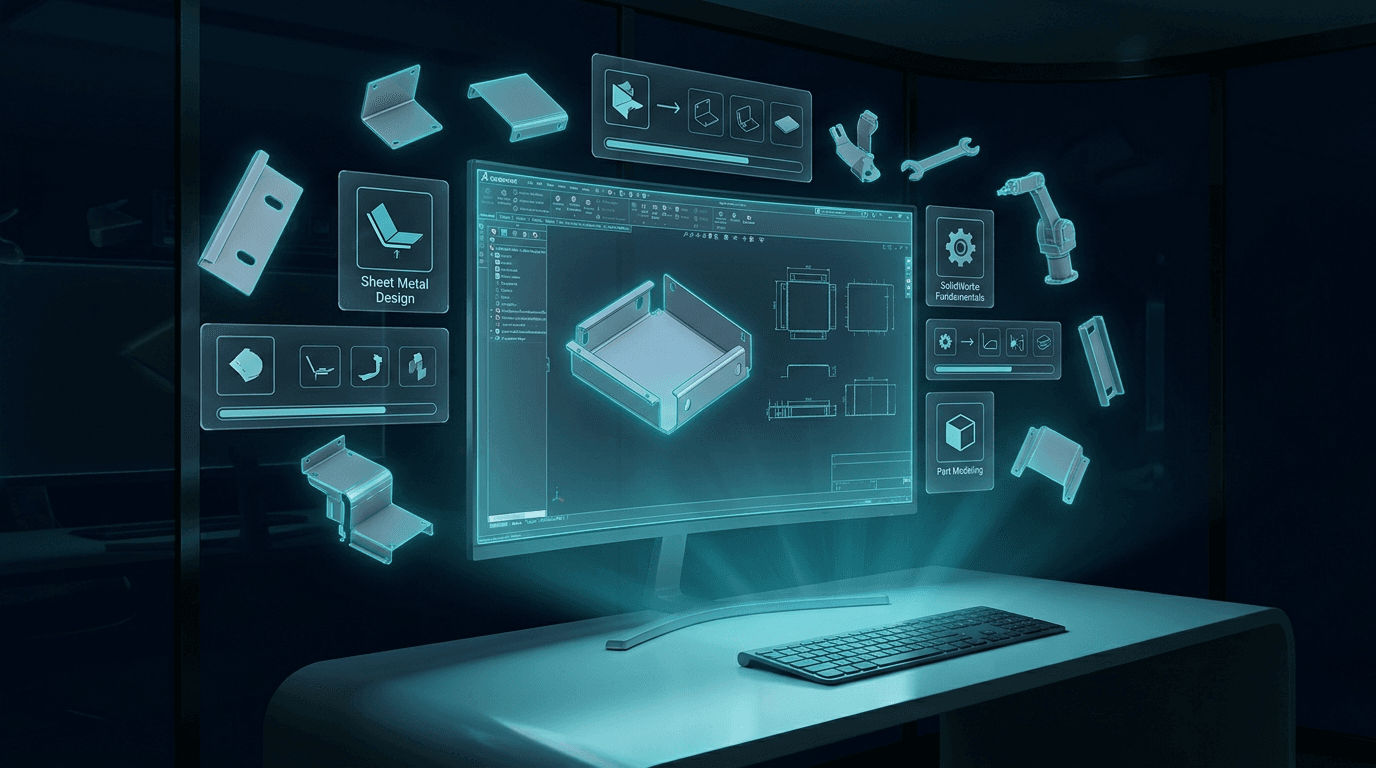
Online engineering training on SolidWorks, sheet metal design, laser cutting and press brake programming: live sessions, exercises and project feedback.
Live training over Zoom in SolidWorks, AutoCAD, Metalix AutoNest, laser cutting, the DT-15 press brake and production architecture. A weekly or monthly personalized development plan is built around your level, goals and knowledge gaps.
The Goal of the Training
The goal of this training is not merely to teach software commands, but to give the participant technical skills that genuinely matter in the industry, work on the shop floor and make a difference in project processes.
- Produce production-ready 3D models in SolidWorks
- Prepare 2D technical drawings and drawings in AutoCAD
- Learn sheet-metal logic and prepare laser-cutting files
- Assess Metalix AutoNest logic, scrap rate and sheet-utilization efficiency
- Grasp DT-15 press-brake bending logic and the K-factor relationship
- Prepare BOM lists, purchasing items and production documents
Who Is It For?
These online courses can be tailored to participants at different levels; they are planned for everyone, from newcomers to the profession to those wanting to advance in the industry.
- Newcomers to the profession: those who want to learn technical drawing, 3D modeling and manufacturing logic from scratch
- New graduates and university students: those who want to combine what they learned at school with real production processes
- Those advancing in the profession: employees who want to reach an advanced level in SolidWorks, sheet metal, laser, press brake and cost analysis
SolidWorks Training
SolidWorks training is built not on teaching commands but on the logic of production-ready modeling and technical-document preparation.
- Sketching, dimensioning and constraint relationships
- Part and sheet-metal modeling
- Assembly and sub-assembly structure
- Drawing preparation: title block, views, dimensioning and notes
- Material assignment, part coding and BOM logic
- Production-ready file organization and revision management
Metalix AutoNest and Laser-Nesting Logic
In laser-cutting projects, correct file preparation, correct nesting and scrap-rate control are of great importance for cost.
- Laser-cutting file logic and DXF/DWG preparation
- Material and thickness separation, part quantification
- Metalix AutoNest nesting logic and sheet-utilization efficiency
- Scrap-rate calculation
- Preparing files for the laser cutter and creating a sheet-requirement list
DT-15 Press-Brake and K-Factor Training
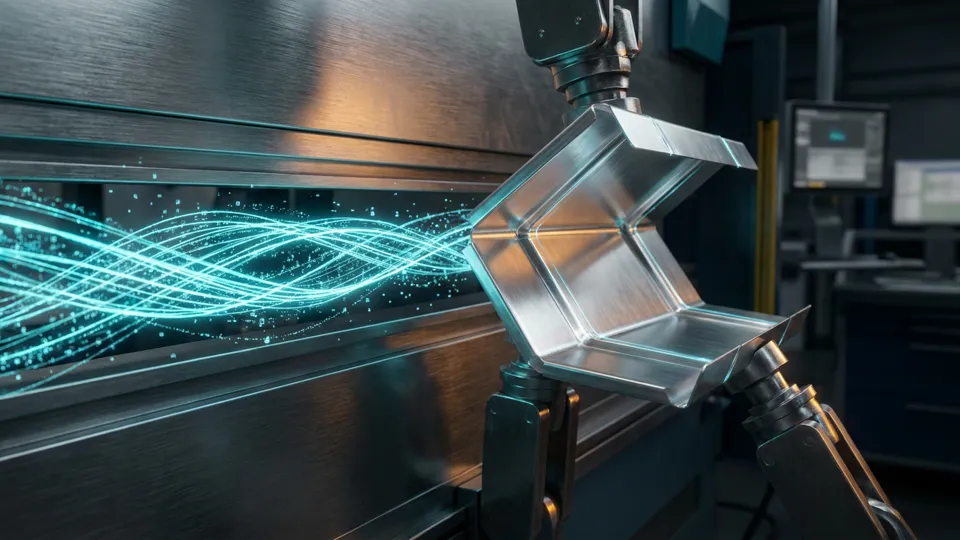
On bent sheet-metal parts, the correct flat pattern, correct die, correct punch and correct K-factor directly affect production success.
- Press-brake bending logic and the DT-15 bending-simulation approach
- Die and punch selection
- Bending assessment by material thickness and type
- K-factor logic and sheet flat-pattern control
- Bend sequence and bend-collision control
- Preparing technical instructions for the press-brake operator
Online Training Model via Zoom
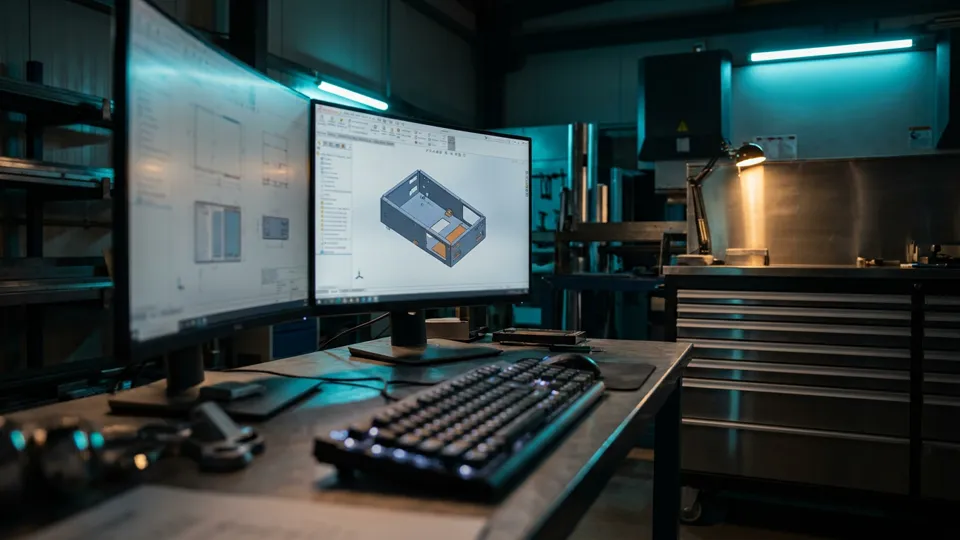
Training is delivered live and hands-on over Zoom; the participant does not just watch but actively practices, and their progress is tracked. A personalized program is prepared on a weekly or monthly schedule.
- Hands-on training with live lecturing and screen sharing over Zoom
- Reviewing the participant’s work together, Q&A and practice support
- A weekly or monthly schedule and a personalized progress program
- Practice with real industry examples and extra work targeting weak areas
Your Personalized Training Plan Let’s Build
Let’s talk about your level, goals and knowledge gaps; I’ll prepare a fully personalized online training program, weekly or monthly.
Online engineering training: checklist
Use this checklist to review the online engineering training steps covered on this page:
- The Goal of the Training
- Who Is It For?
- SolidWorks Training
- Metalix AutoNest and Laser-Nesting Logic
- DT-15 Press-Brake and K-Factor Training
- Online Training Model via Zoom
- Your Personalized Training Plan Let’s Build
If you want hands-on support with online engineering training, get in touch.
FAQ
Frequently Asked Questions
What is online engineering training?
Online engineering training on SolidWorks, sheet metal design, laser cutting and press brake programming: live sessions, exercises and project feedback.
The Goal of the Training: what should you know?
The goal of this training is not merely to teach software commands, but to give the participant technical skills that genuinely matter in the industry, work on the shop floor and make a difference in project processes.
Who Is It For?
These online courses can be tailored to participants at different levels; they are planned for everyone, from newcomers to the profession to those wanting to advance in the industry.
SolidWorks Training: what should you know?
SolidWorks training is built not on teaching commands but on the logic of production-ready modeling and technical-document preparation.
How can I work with Burak Engineering on online engineering training?
Share your drawings and goals; we review your online engineering training requirements and propose a suitable working model. Get in touch through the contact page.